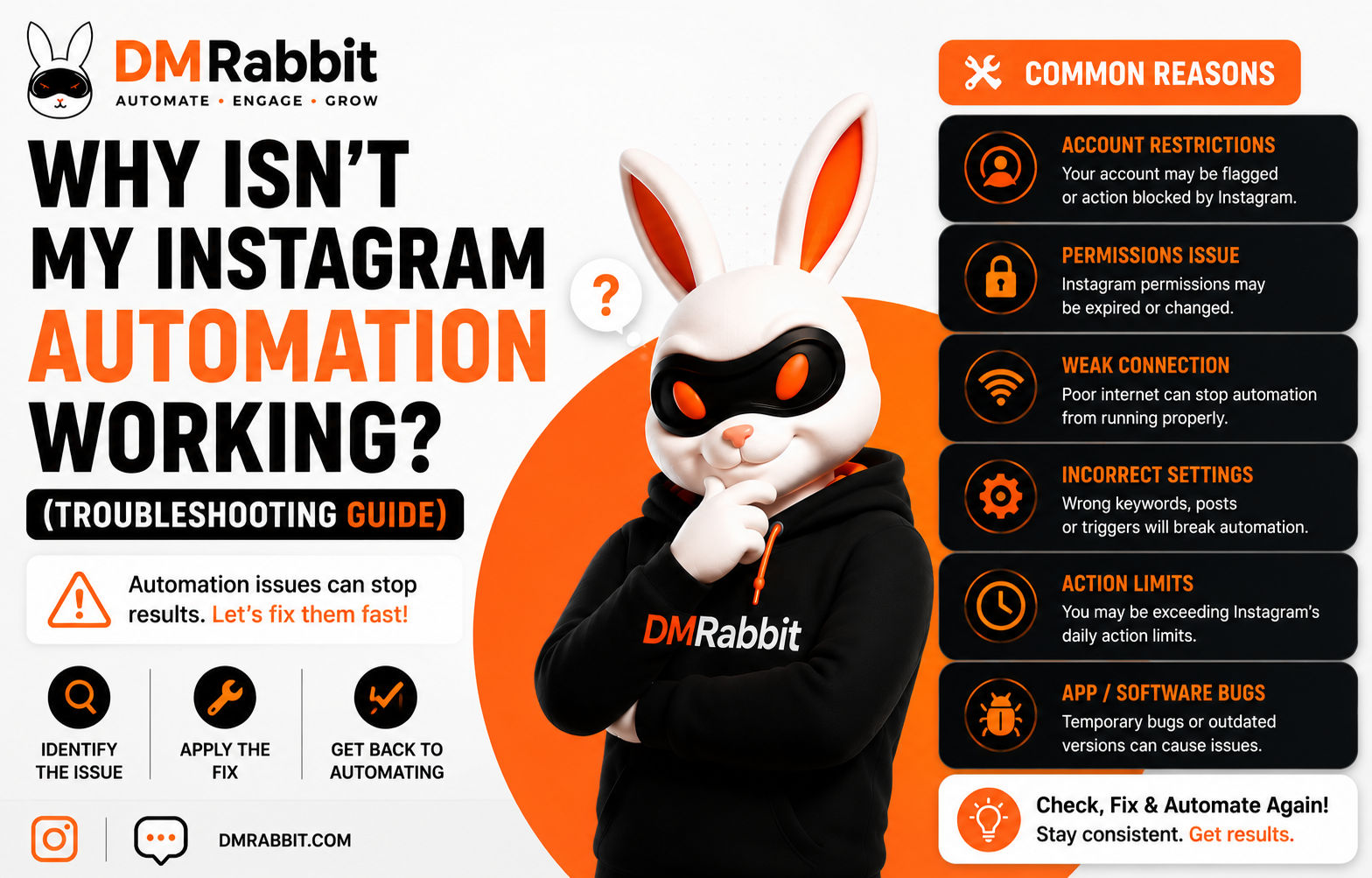
Short answer: Instagram automation usually stops working for one of five reasons: the account connection expired, the trigger word doesn't exactly match what people are typing, the automation rule isn't published or is scoped to the wrong post, you've hit Instagram's messaging limits, or the account isn't eligible to receive messages from the commenter (for example, if they've blocked message requests from non-followers). Most of these are quick fixes once you know which one applies.
Work through these in order, since they're listed from most to least common.
1. Check if your account connection has expired
Instagram access tokens for automation tools periodically expire or get revoked, sometimes automatically after a password change, a security review, or simply reaching an expiration window.
How to check: Go into your automation tool's account settings and confirm the connection status shows as active. Most tools display a clear warning banner if the connection has dropped.
Fix: Reconnect your Instagram account through the tool's official login flow. This takes under a minute and doesn't affect your existing automation rules.
2. Confirm your trigger word actually matches
This is the most common cause of "my automation isn't replying" complaints. If your trigger is set to "LINK" but someone comments "link please" or "Link!" with punctuation, some tools require an exact or near-exact match and won't fire.
How to check: Look at the actual comment text that should have triggered the automation, character by character, against your configured trigger word.
Fix: Use a short, simple trigger word and confirm your tool matches case-insensitively and ignores basic punctuation. If it doesn't, simplify the trigger or add common variations as additional triggers.
3. Make sure the automation rule is actually published and scoped correctly
An automation saved as a draft, or scoped to a specific post when the comment came in on a different post, will not fire even if everything else is set up correctly.
How to check: Confirm the rule's status shows as active or live, not draft or paused, and check whether it's scoped to "all posts" or a specific post, and if specific, that it matches the post the comment came from.
Fix: Publish the rule if it's still in draft, or widen its scope to "all posts" if you want it to apply account-wide rather than to a single post.
4. Check whether you've hit Instagram's messaging limits
Instagram enforces rate limits on DM sending to prevent spam, and compliant automation tools respect these automatically. If you're sending at high volume, especially after a post spikes, messages can start queueing or temporarily pausing rather than failing outright.
How to check: Look for a queue or rate-limit notice inside your automation tool's dashboard, some tools show pending sends explicitly.
Fix: Usually nothing, queued messages typically resume sending automatically as the rate limit window resets. If delays are consistent, confirm your tool is using Instagram's official API rather than an unofficial method that might be getting throttled more aggressively.
5. Check if the recipient can actually receive the DM
Instagram allows users to restrict who can send them message requests. If someone doesn't follow you and has message requests limited, an automated DM may not reach their primary inbox, or may land in a filtered requests folder they never check.
How to check: This is largely outside your control to verify directly, but if a specific person reports never receiving a DM despite commenting the trigger, this is a likely explanation, especially for non-followers.
Fix: A follow gate can help here indirectly, since it prompts a follow before the DM sends, and followers are generally more likely to have open message settings for accounts they follow.
If none of these fix it
Check whether Instagram itself is experiencing a known outage or degraded messaging performance, this happens periodically platform-wide and isn't specific to your account or tool. If the issue persists after checking all five causes above, contact your automation tool's support directly with the specific comment or DM that failed, since a support team can usually see delivery logs you can't see from the dashboard alone.
Still stuck?
Most "my Instagram automation isn't working" problems trace back to a connection issue, a trigger word mismatch, or a rule that isn't actually published the way you think it is. Working through these five checks in order resolves the large majority of cases without needing to contact support.
FAQ
Why did my Instagram automation suddenly stop working after it was fine yesterday? The most common cause is an expired or revoked account connection. Check your automation tool's connection status first, since reconnecting resolves this in most cases.
Why isn't my automation replying to some comments but not others? This usually points to a trigger word mismatch, some comments contain the exact trigger while others use a variation, misspelling, or extra punctuation the automation doesn't recognize.
Can Instagram block automated DMs from reaching someone? Yes, indirectly. If the recipient has restricted message requests from accounts they don't follow, an automated DM may land in a filtered folder rather than their primary inbox.
Is it normal for automated DMs to be delayed during high comment volume? Yes. Official API tools respect Instagram's sending rate limits, so a sudden spike in comments can cause DMs to queue and send with a short delay rather than failing.
For a full comparison of Instagram automation tools, see our complete 2026 guide.
Want automation that just works, reliably? Start free with dmrabbit: official API, no credit card required.