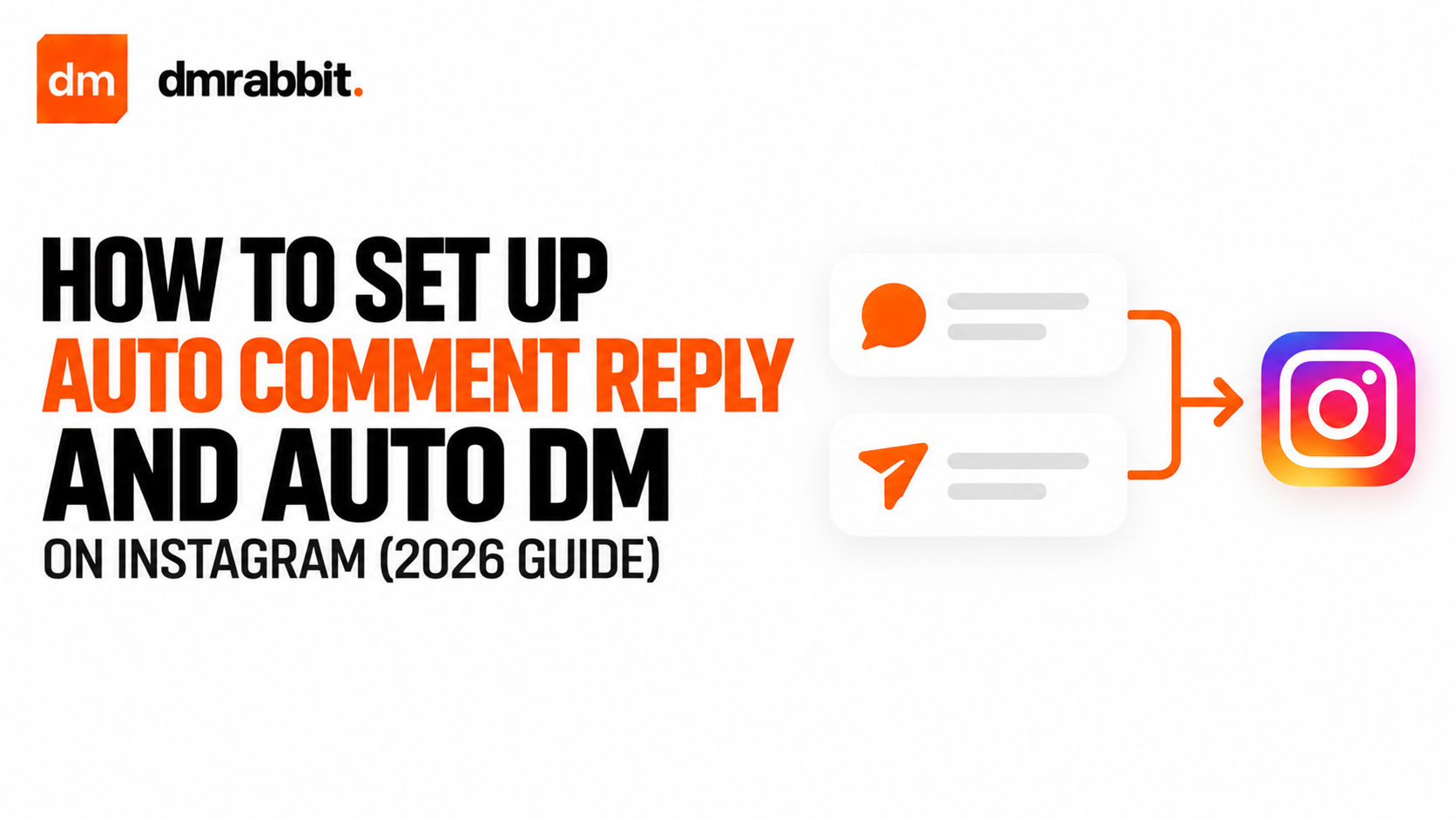
Why manual comment replies do not scale
Manually checking notifications, copying links, and pasting them into individual direct message threads wastes hours and loses hot prospects. When an Instagram user leaves a comment asking for a product link or a tutorial resource, their buying intent is at its highest in the first two minutes. Waiting hours to manually reply often means they have already closed the app or moved on to a competitor.
Setting up an auto comment reply combined with an auto DM bridges this gap completely. A viewer comments with a specific trigger word under your Reel, your account drops a randomized public reply immediately, and your system sends the requested resource straight into their private inbox.
Because the interaction happens within two seconds, your profile captures the lead when interest peaks while signaling high engagement velocity to the Instagram algorithm.
How official auto comment reply workflows operate
Running a reliable instagram auto dm campaign requires an official bridge between your Instagram Professional account and Meta's cloud servers.
When a follower writes a comment, Instagram notifies your automation platform through an encrypted webhook. The platform checks whether the comment contains your chosen trigger word. If the criteria match, two actions fire simultaneously: a public response is published beneath their comment to boost post ranking, and a private direct message containing your target link is sent to the user.
Using dmrabbit ensures this process stays compliant with Meta's developer terms. Because the platform communicates directly through the official Meta Graph API rather than credential-scraping bots, your account is protected from action blocks and spam flags.
Choosing the right trigger words for auto DM delivery
The trigger keyword you assign to your post dictates both your comment volume and the clarity of your campaign.
- Short and obvious words work best. Choose words like "LINK", "SYSTEM", "GUIDE", or "PRICE" that are easy for mobile users to type correctly.
- Avoid vague single letters. Asking viewers to comment "A" or "1" often triggers false positives when users write natural questions containing those characters.
- Specify exact matching or phrase containment. Exact matching ensures you only reply when someone writes the keyword by itself, avoiding accidental triggers on random questions.
- Rotate public replies. Using four or five different public replies, such as "Sent to your inbox!" and "Check your DMs!", keeps your public comment section looking authentic and organic.
Setting up your auto comment and DM rules
Configuring your first automated reply rule takes less than three minutes inside your management panel.
- Connect your Instagram Professional account inside dmrabbit using the official Meta OAuth authorization window.
- Go to your automations dashboard and click to create a new comment-to-DM rule.
- Select whether the rule applies to a single promotional Reel or all upcoming posts published to your feed.
- Input your target trigger words and select your matching condition.
- Add multiple public comment reply options to keep your public replies dynamic and natural.
- Write your private direct message payload, paste your direct destination link, and set the rule to active.