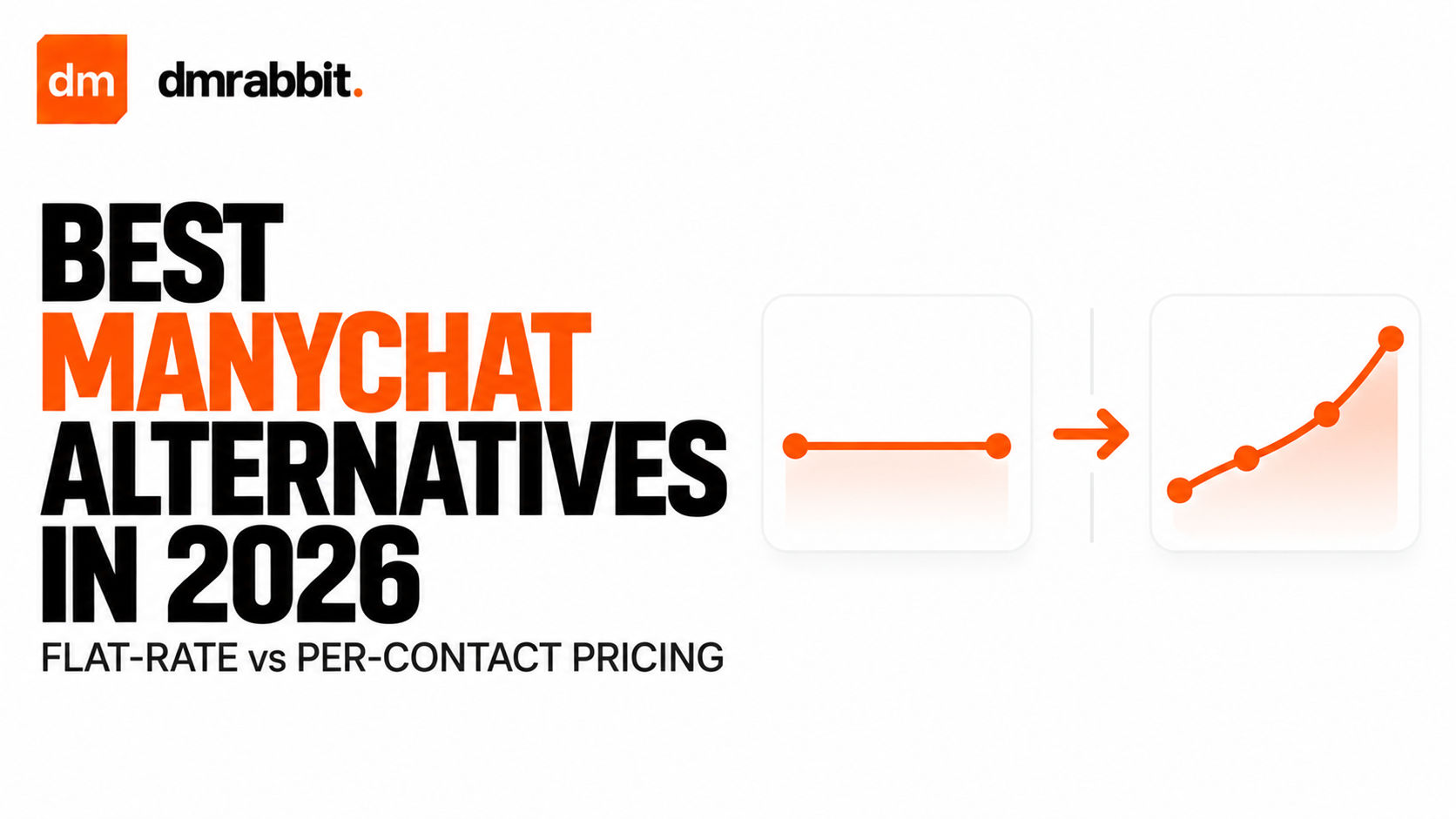
The problem with tiered contact pricing
ManyChat popularized conversational marketing on Instagram, but its pricing model punishes account growth. Most legacy automation tools charge based on active contacts or monthly subscriber thresholds. If an Instagram Reel goes viral and draws 15,000 comments, an account can jump from paying $15 each month to well over $100 overnight.
Creators and small business operators are often forced to manually purge subscribers, delete historical contact records, or throttle their own campaigns just to prevent unexpected billing spikes. An automation platform should help you scale your audience, not penalize you for reaching more people.
Moving away from contact-based billing requires understanding the difference between per-subscriber models and flat-rate infrastructure built strictly around the official Meta Graph API.
Comparing top Instagram automation platforms
Evaluating Instagram automation tools in 2026 comes down to pricing structure, ease of setup, and whether you need complicated multi-channel funnels or fast comment-to-DM delivery.
| Tool | Pricing Model | Monthly Starting Price | Official Meta API | Free Tier Available |
|---|---|---|---|---|
| dmrabbit | Flat rate (unlimited contacts & DMs) | $5.90 / month | Yes | Yes (500 DMs/month) |
| ManyChat | Tiered by contacts | $15 to $145+ / month | Yes | Very limited |
| InstantDM | Flat rate tiers | $19 to $49 / month | Yes | Limited trial |
| LinkDM | Tiered sending caps | $19 / month | Yes | Limited |
Why creators are moving to flat-rate tools
The shift toward lightweight, flat-rate tools is driven by three main operational pain points:
- Predictable budgeting. Knowing your automation tool costs the exact same flat fee regardless of whether you process 500 or 50,000 comments removes billing anxiety during product launches.
- Elimination of database maintenance. Contact-tiered systems force teams to run routine database cleanups to remove inactive contacts before the next billing cycle.
- Faster execution times. Bloated multi-channel platforms that attempt to handle SMS, WhatsApp, and email often experience webhook processing latency during massive Reel comment spikes.
A modern Instagram-first setup prioritizes instant webhook triggers, rapid comment delivery, and zero contact limits.
Setting up flat-rate automation on Instagram
Migrating from a legacy tiered tool to a straightforward setup requires only a few minutes.
- Disconnect previous automation apps from your Facebook and Instagram account permissions to avoid webhook conflicts.
- Sign in to your account at dmrabbit and link your Instagram Professional profile using the official OAuth integration.
- Define your post trigger. Choose whether your automation responds to a specific post or every future Reel published to your account.
- Set matching keywords. Add common trigger words like "guide", "pricing", or "link" with options for exact match or phrase containment.
- Configure public and private responses. Craft a natural public comment reply and set the private direct message containing your target link.