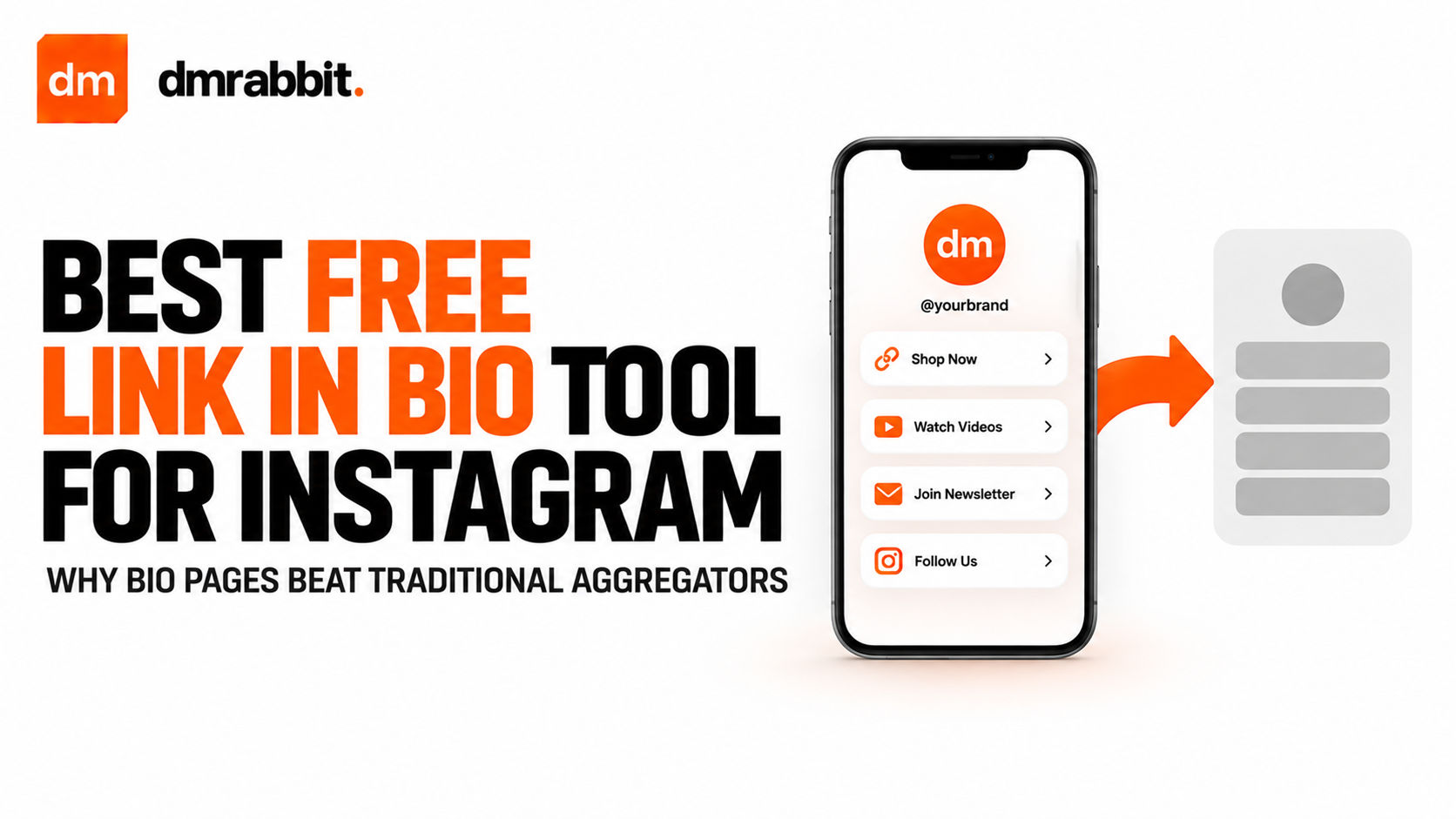
The problem with standard free link in bio tools
Most traditional link-in-bio tools hook users with a free tier, only to immediately hide essential capabilities behind monthly subscriptions. Free tiers on platforms like Linktree or Beacons often enforce heavy platform watermarks, restrict theme customisation, strip out click tracking, or throttle page load performance unless you pay between $5 and $20 every month.
For creators and small brands, paying a standalone subscription simply to host five outbound links is an unnecessary expense. The entire point of a profile link is to channel high-intent mobile visitors straight to your products, newsletter signups, or client booking pages without extra friction.
Replacing clunky third-party aggregators with a dedicated, lightweight bio page gives you complete control over your landing presence without paying extra software fees.
Comparing legacy bio link providers with dmrabbit
When evaluating a link aggregator, the key factors are cost, styling control, mobile rendering speed, and integration with the rest of your Instagram stack.
| Feature | Legacy Aggregators (Free Plans) | dmrabbit Bio Pages (Free Tier) |
|---|---|---|
| Subscription cost | Free, with essential tools locked behind $10/month tiers | 100% free included with your account |
| Branding restrictions | Third-party branding enforced across your page | Clean, professional presentation |
| Custom links & content | Basic button lists only | Links, rich cards, and mini-articles |
| Instagram automation | None (requires external tools) | Natively linked with comment-to-DM triggers |
| Loading performance | Slow JavaScript-heavy bundles | Ultra-lightweight, rapid mobile rendering |
Why lightweight bio pages convert better
Mobile attention spans are brief. If your Instagram profile link takes more than two seconds to parse, visitors bounce back to their feed before reading your offers.
- Zero distraction layouts. A cluttered page packed with third-party widgets and cookie banners confuses visitors. A clean hierarchy ensures your primary call to action stands out immediately.
- Contextual micro-copy. Rather than displaying isolated, context-free buttons, effective bio pages let you include short descriptive headings that explain exactly why a visitor should tap each link.
- Faster loading speeds. Stripping away tracking bloat and unneeded client-side libraries guarantees instant mobile rendering even on slow mobile data connections.
- Native alignment with DMs. Pairing a bio page with automated comment replies creates a seamless dual funnel. Visitors who want self-service access click your bio, while viewers engaging with your Reels receive direct links in their messages.
Setting up your free bio page in two minutes
Creating a dedicated bio page does not require design experience or technical web hosting setup.
- Create or log in to your account at dmrabbit to claim your unique bio page URL.
- Open the Bio Pages manager and set up your handle, profile image, and brand bio description.
- Add your priority outbound links, such as your store, latest video drop, client scheduler, or community chat.
- Customise the styling and layout order so your highest-converting destination appears right at the top of the mobile viewport.
- Copy your custom link and paste it into the Website field inside your Instagram profile settings.