Instagram Comment Automation: The Complete Guide
Short answer: Instagram comment automation is a system that automatically replies to comments on your posts, and can also trigger a private DM, the moment someone comments a specific word or phrase. It runs through Instagram's official API, so replies go out in seconds, at any volume, without anyone manually watching the comment section.
This guide covers what comment automation actually does, why it matters more in 2026 than it used to, and how to set it up.
What is comment automation?
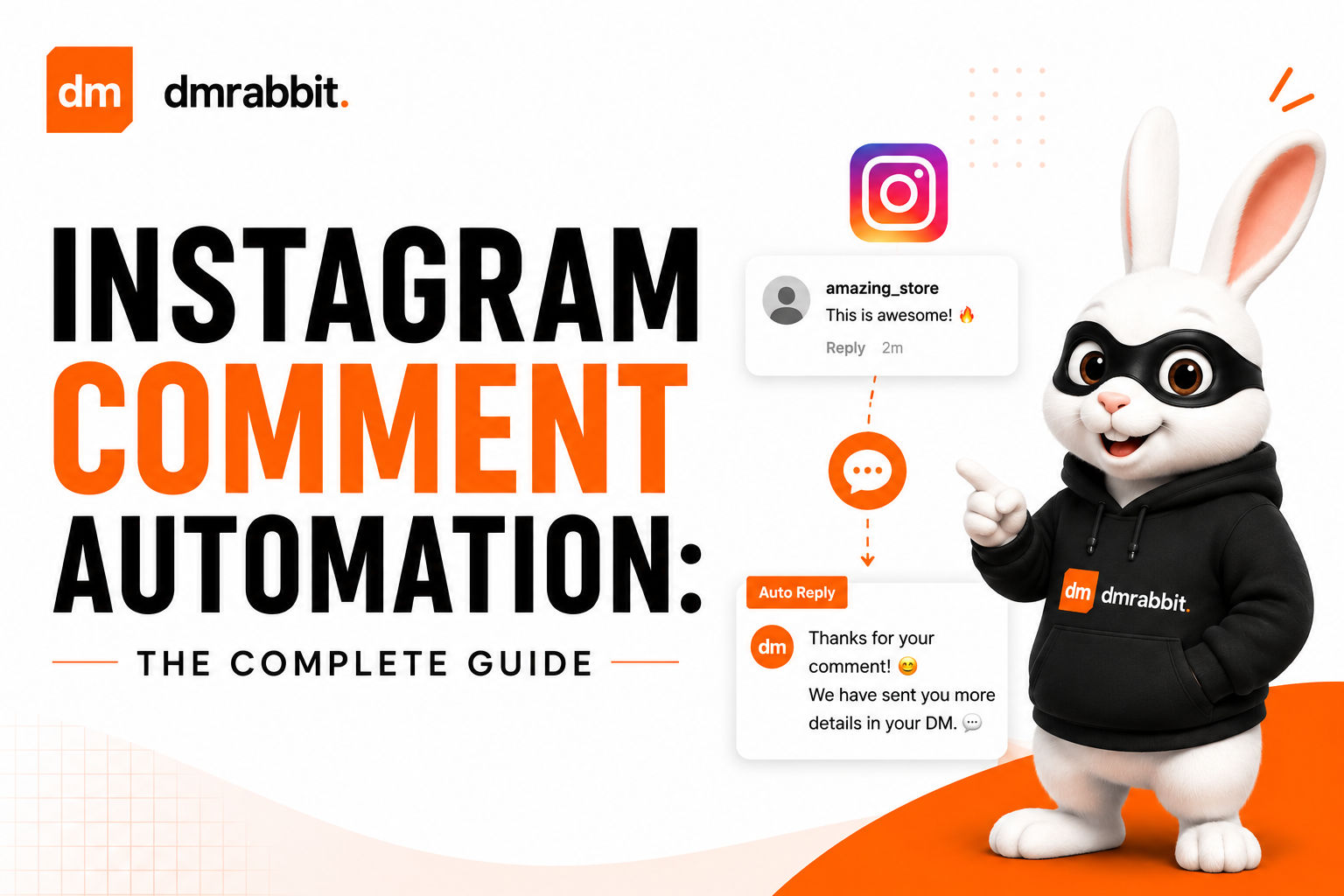
Comment automation connects to your Instagram account and monitors comments on your posts for specific trigger words. When a match is found, it automatically:
Posts a public reply under the comment
Optionally sends a private DM to the commenter with a link, code, or answer
Both actions happen within seconds of the comment being posted, without a person needing to see it first.
Why comment automation matters
Comments generate the highest-intent moment in the customer journey. Someone who comments "price?" or "link?" is signaling active interest, not passive scrolling. A slow reply risks losing that interest before it converts.
Instagram now ranks reply speed directly. A 2026 update confirmed that two-way conversation, how quickly and consistently an account replies to comments, is a factor in how Instagram's algorithm ranks that account's content going forward. Comment automation isn't just a convenience anymore, it's a measurable input into reach.
Manual replies don't scale. A post that performs well can generate hundreds of comments asking the same few questions. Automation answers every one of them the same way, whether five people comment or five thousand.
How comment automation actually works
You set a trigger word or phrase in advance (for example, "PRICE" or "GUIDE")
You write the public reply that should post when the trigger matches
You optionally write a DM to send alongside the reply
Instagram sends new comment data through its official API
The automation checks each new comment against your trigger
On a match, the public reply posts, and the DM sends if configured
No manual monitoring is needed after setup. The rule keeps running on every new comment until paused or edited.
Comment automation vs comment-to-DM automation
These terms are often used interchangeably, but there's a small distinction worth knowing. Comment automation can mean the public reply alone, just responding visibly under a comment. Comment-to-DM automation specifically pairs that public reply with a private DM. Most tools, including dmrabbit, support both together as a single automation rule: a public reply always builds visible engagement, while the DM handles the actual delivery of a link, code, or answer.
What makes a good trigger word
Short and easy to type. "LINK," "PRICE," or "INFO" get typed accurately far more often than a longer phrase.
Specific to one outcome. If a single trigger needs to answer five different things depending on context, split it into five separate triggers instead.
Matched case-insensitively. A well-built tool treats "price," "Price," and "PRICE" the same way, since you can't control how people type.
Clearly prompted in your caption. "Comment PRICE for our rate card" converts far better than a vague "DM us for details," since it removes any guessing about what to type.
Setting up comment automation with dmrabbit
Connect your Instagram account through official Instagram Login, no password required, no Facebook Page needed
Choose your trigger word and decide whether it applies to one post or all posts
Write your public reply
Write your DM, and attach a PDF, image, or video directly if the response needs more than text
Optionally turn on a follow gate, so the DM only unlocks after a follow
Publish, the rule runs automatically on every matching comment from then on
Because it runs on the official API, replies respect Instagram's rate limits automatically, and comment matching happens against real, live comment data.
Common mistakes to avoid
Picking a trigger word that's too common. A trigger like "nice" or "love" fires on comments that were never meant to trigger anything.
Forgetting to prompt for the word in your caption. A trigger only works if people actually know what to type.
Using one generic trigger for unrelated questions. This forces a vague reply that answers nothing well. Separate, specific triggers convert better than one broad catch-all.
The bottom line
Comment automation turns the highest-intent moment on Instagram, a comment expressing real interest, into an instant, reliable reply and DM, without needing someone watching the comment section around the clock. With reply speed now a factor in how Instagram ranks your account, it's becoming less of an optional convenience and more of a direct lever on reach itself.
FAQ
What is the difference between comment automation and comment-to-DM automation? Comment automation refers to the automatic public reply. Comment-to-DM automation pairs that public reply with a private DM sent to the same commenter. Most tools support both together as one rule.
Does comment automation work on every post automatically? It depends on setup. A trigger can be scoped to a single post or applied across all posts, so it only fires where you've configured it to.
Is comment automation the same as a chatbot? Not exactly. A chatbot typically handles open-ended, multi-turn conversation. Comment automation is usually a single triggered action, one comment leads to one reply and one DM.
Does Instagram penalize automated comment replies? No, as long as the automation uses Instagram's official API and Instagram Login. Automation built on official access operates within Instagram's own rules, not around them.
For a full comparison of Instagram automation tools, see our complete 2026 guide.
Ready to automate your comments? Start free with dmrabbit: official API, no credit card required.