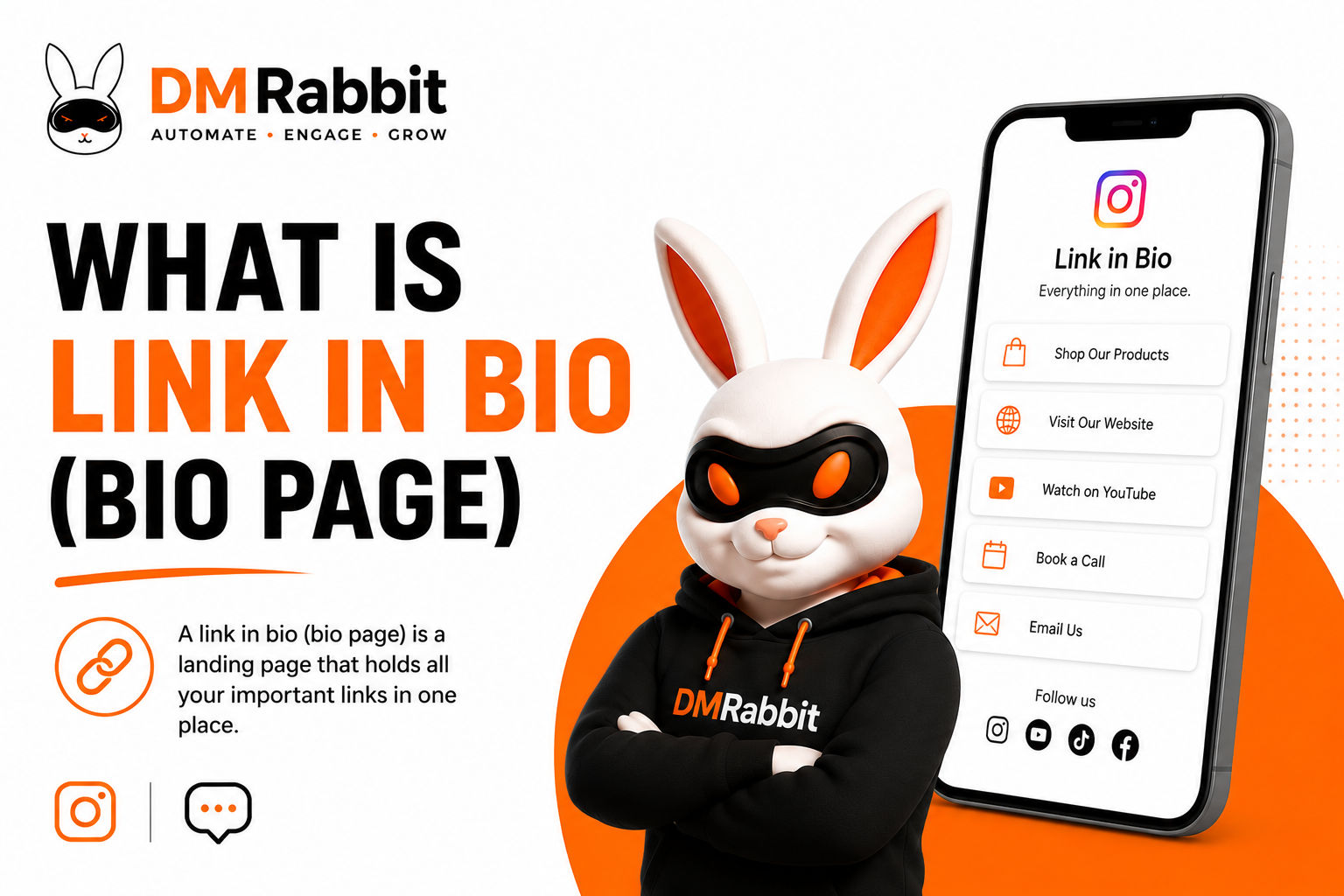
Short answer: A dmrabbit bio page is a public, customizable page at dmrabbit.com/your-handle that holds your links, posts, and bio in one place, not tied to any single Instagram account. It's included free on every dmrabbit plan, including the free tier, and can be used on its own or alongside dmrabbit's comment-to-DM automation.
Instagram only allows one clickable link in a bio. A bio page solves that limit by giving you one link that opens into many.
What a dmrabbit bio page includes
A public handle. Your page lives at dmrabbit.com/your-handle, a permanent address independent of any specific Instagram account, so it stays consistent even if your Instagram username changes or you switch platforms.
Customizable profile and appearance. Add an avatar, a title, and a short bio, and choose a theme (Auto, Light, or Dark) along with an accent color that matches your brand.
Two post types. Add an Article, a blog-style post with its own title, description, and SEO fields, published directly on your bio page, or a Link, which redirects visitors elsewhere. This means a bio page isn't just a list of links, it can also host actual content.
Built-in SEO fields per post. Each article or link entry gets its own SEO title and meta description, so individual pieces of content on your bio page can be optimized for search, not just the bio page as a whole.
Why it matters beyond just "link in bio"
Most link-in-bio tools are exactly that: a static list of links. dmrabbit's bio page goes further by letting you publish actual articles directly on the page, with their own SEO metadata. That turns your bio page into a small, standalone publishing surface, useful for announcements, product drops, or short-form content you want discoverable on its own, not just tucked inside an Instagram caption.
How it works with comment-to-DM automation
A bio page and an automation rule solve different problems, and they work well together. When someone comments a trigger word and receives an automated DM, that DM is a natural place to point them to your bio page instead of a single one-off link. Rather than promising just one thing in the comment, the DM can lead to a full page of links, offers, and content, giving the new visitor somewhere to explore beyond the original ask.
Setting up your first bio page
Go to Bio Pages in your dmrabbit dashboard and select New page
Choose your handle (3 to 30 characters, lowercase letters, numbers, and hyphens), this becomes your permanent dmrabbit.com address
Add an optional title, like "My Links," or your business name
Customize appearance: upload an avatar, write a short bio, and pick a theme and accent color under Settings
Add your first post: choose Article for blog-style content or Link to redirect elsewhere, and fill in the title, description, and SEO fields
Publish, your page goes live immediately at dmrabbit.com/your-handle
Common ways to use a bio page
As a traditional link hub. List your website, latest product, booking page, and social profiles in one place, the most common link-in-bio use case.
As a mini blog. Publish short articles directly on the page, useful for announcements, FAQs, or content you want indexed and discoverable on its own URL.
As a destination inside automated DMs. Instead of sending a single link in a comment-to-DM automation, point people to your bio page so they see everything you offer, not just the one thing they asked about.
As a consistent handle across platforms. Since the page isn't tied to a specific Instagram account, it works as a stable link to share on other platforms, in email signatures, or on printed materials.
Is a bio page worth it?
A dmrabbit bio page turns the single link Instagram allows in your bio into a full, brandable page, with the added ability to publish actual content, not just a list of redirects. Included free on every plan, it pairs naturally with comment-to-DM automation: the automation captures the interaction, and the bio page gives that person somewhere real to land.
FAQ
Is a dmrabbit bio page free? Yes. Bio pages are included on every dmrabbit plan, including the free tier, at no additional cost.
Do I need an Instagram account connected to use a bio page? No. A bio page has its own handle and works independently of any specific Instagram account.
Can I publish blog-style content on a dmrabbit bio page, not just links? Yes. Each post can be an Article (blog-style content with its own SEO title and meta description) or a Link (a redirect), so the page can function as both a link hub and a small publishing surface.
Can I use a bio page without dmrabbit's comment-to-DM automation? Yes. Bio pages work as a standalone link-in-bio tool. They also pair naturally with automation if you want DMs to point somewhere more complete than a single link.
Ready to build your bio page? Start free with dmrabbit: no credit card required.